
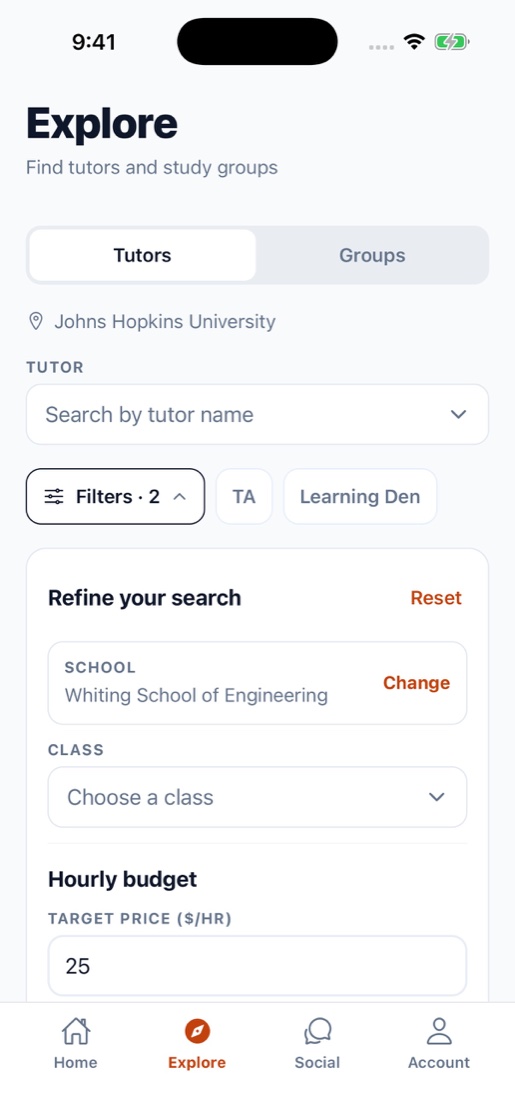
Find a tutor
Search by course and instructor, filter by your budget, and check tutor profiles before you reach out.
Your campus study network
Find tutors for your courses, get a study group together, and make a plan for your next session. All in LockIn.
What you can do
Get one-on-one help with a tough class, find classmates to review with, and keep your plans in one place.
Search by course and instructor, filter by your budget, and check tutor profiles before you reach out.
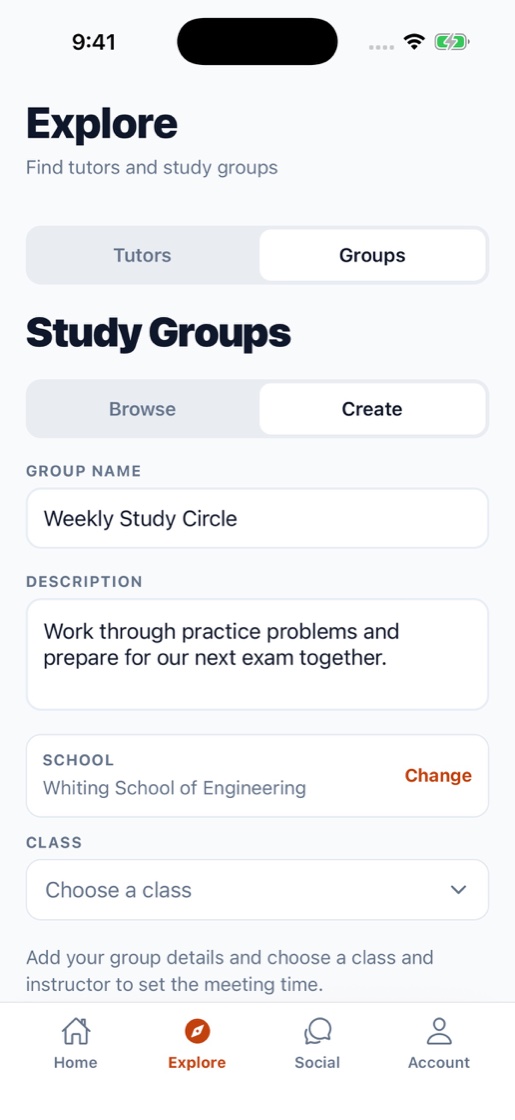
Browse study groups or create one for your class. Set a meeting time to work through a problem set or review for an exam.
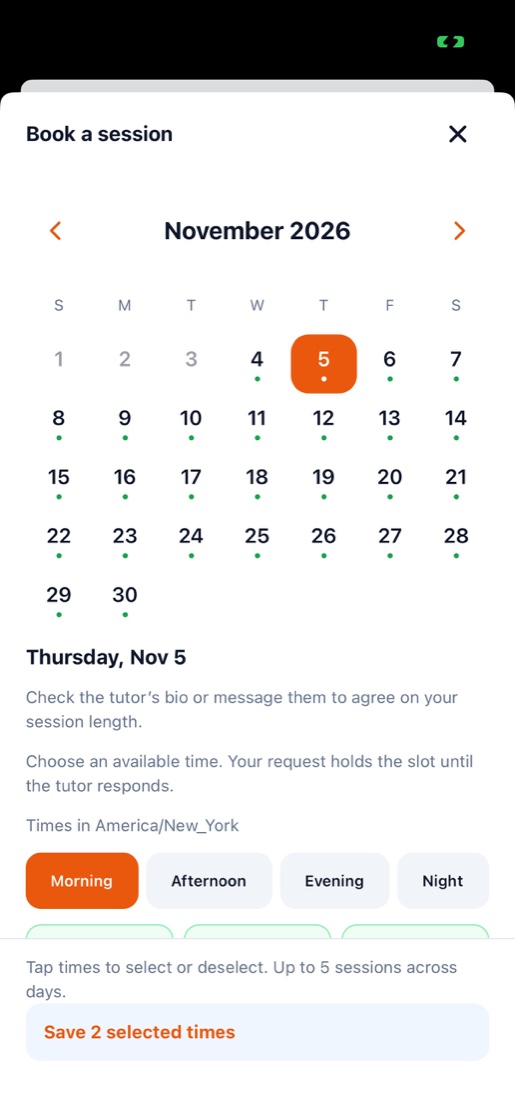
Request a time that works, coordinate in chat, and add confirmed sessions to your phone’s calendar.
How it works
Browse tutors and groups as a guest to see what’s available.
Sign up with your university email and complete your profile to message tutors or start a group.
Request a tutoring session or set a time for your group. Confirm the details and keep the plan in your schedule.
For tutors
Set up a tutor profile with the courses you teach, your rate, and your availability. Students can find you by course and send a session request in the app.